
Compression
Compression
Make GLB files smaller without breaking the model
Compression is for .glb files that already work.
Use it after the model converts and previews correctly. If the model is broken before compression, compression will mostly give you a smaller broken model. Efficient, technically. Not useful.
Compress a GLB
Open convert3d.org/app/compress, upload a model, choose a preset, and click Compress.
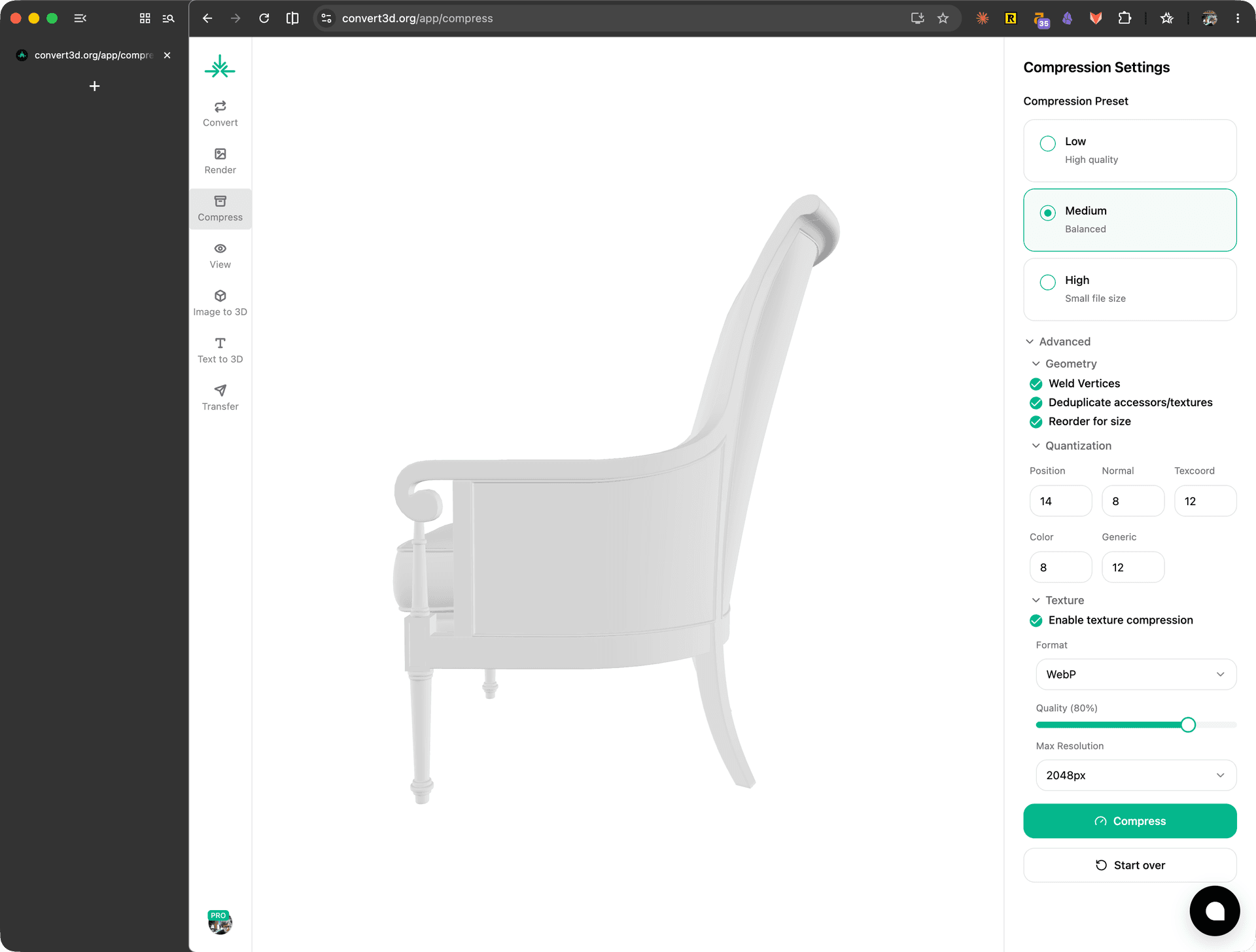
Convert3D keeps the model visible while you change settings. Check it before and after compression.
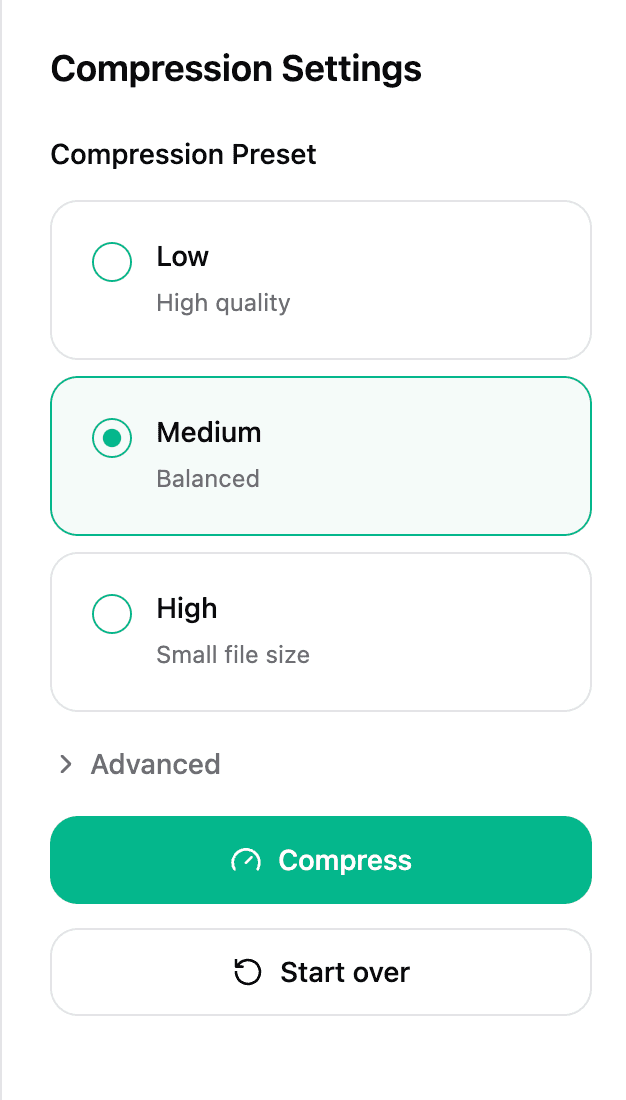
What compression can change
Convert3D can:
- Remove unused GLB data.
- Deduplicate repeated data.
- Weld identical vertices.
- Reorder mesh data for smaller output.
- Quantize vertex attributes.
- Resize and re-encode textures.
Convert3D does not:
- Reduce triangle count by decimating the mesh.
- Remesh or retopologize the model.
- Bake materials into texture atlases.
- Convert textures to KTX2/Basis.
- Add Draco mesh compression.
If the model has too many polygons, simplify it in the source tool first, then convert or compress the resulting GLB.
Where to go next
| If you need to... | Read |
|---|---|
| Pick Low, Medium, or High | Presets |
| Fix faceted shading, shifted edges, or precision loss | Geometry and quantization |
| Reduce texture size or fix blurry textures | Texture compression |
Compare the result
After compression, inspect the model before replacing the original file. A smaller file only helps if the model still looks right.
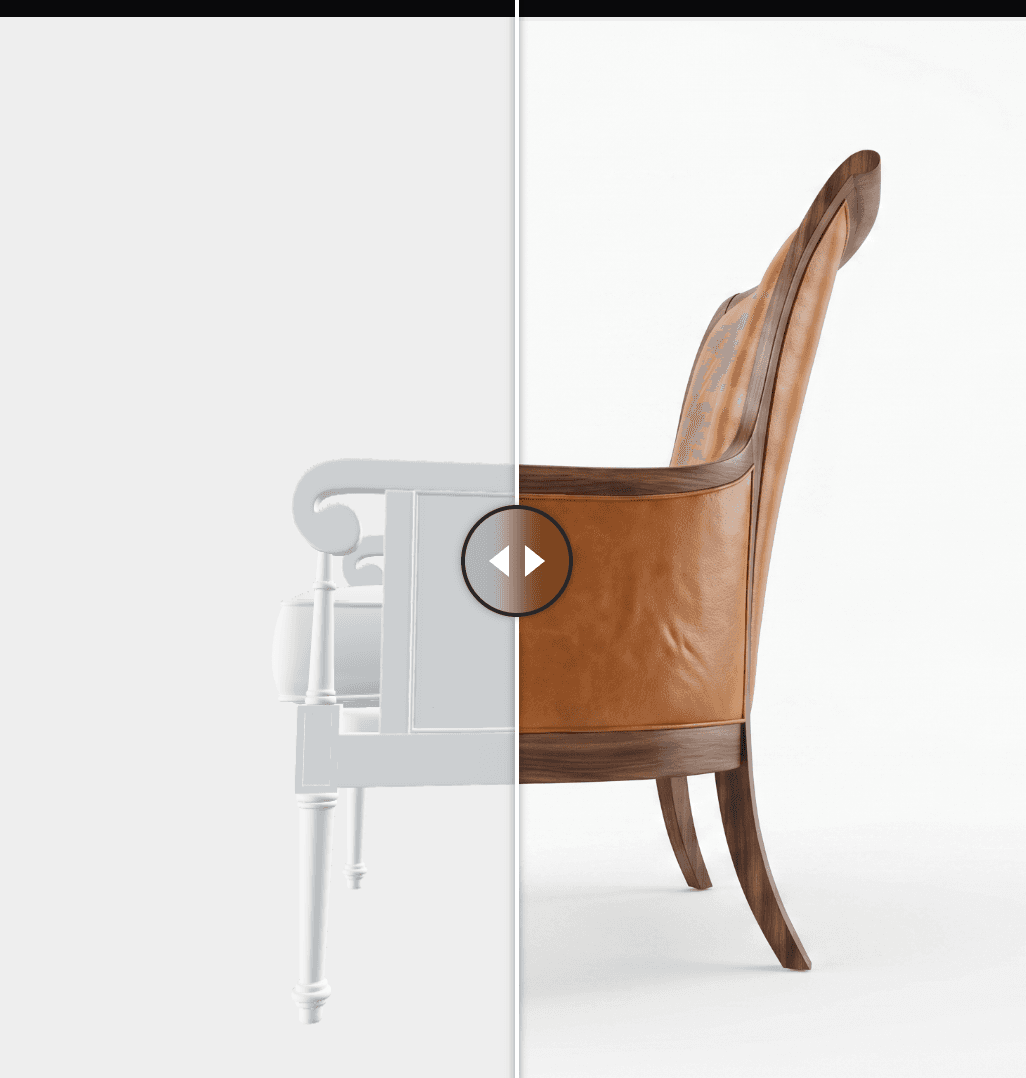
Look for:
- blurry textures
- shifted edges or tiny holes
- faceted lighting
- missing parts
- target apps that no longer open the GLB
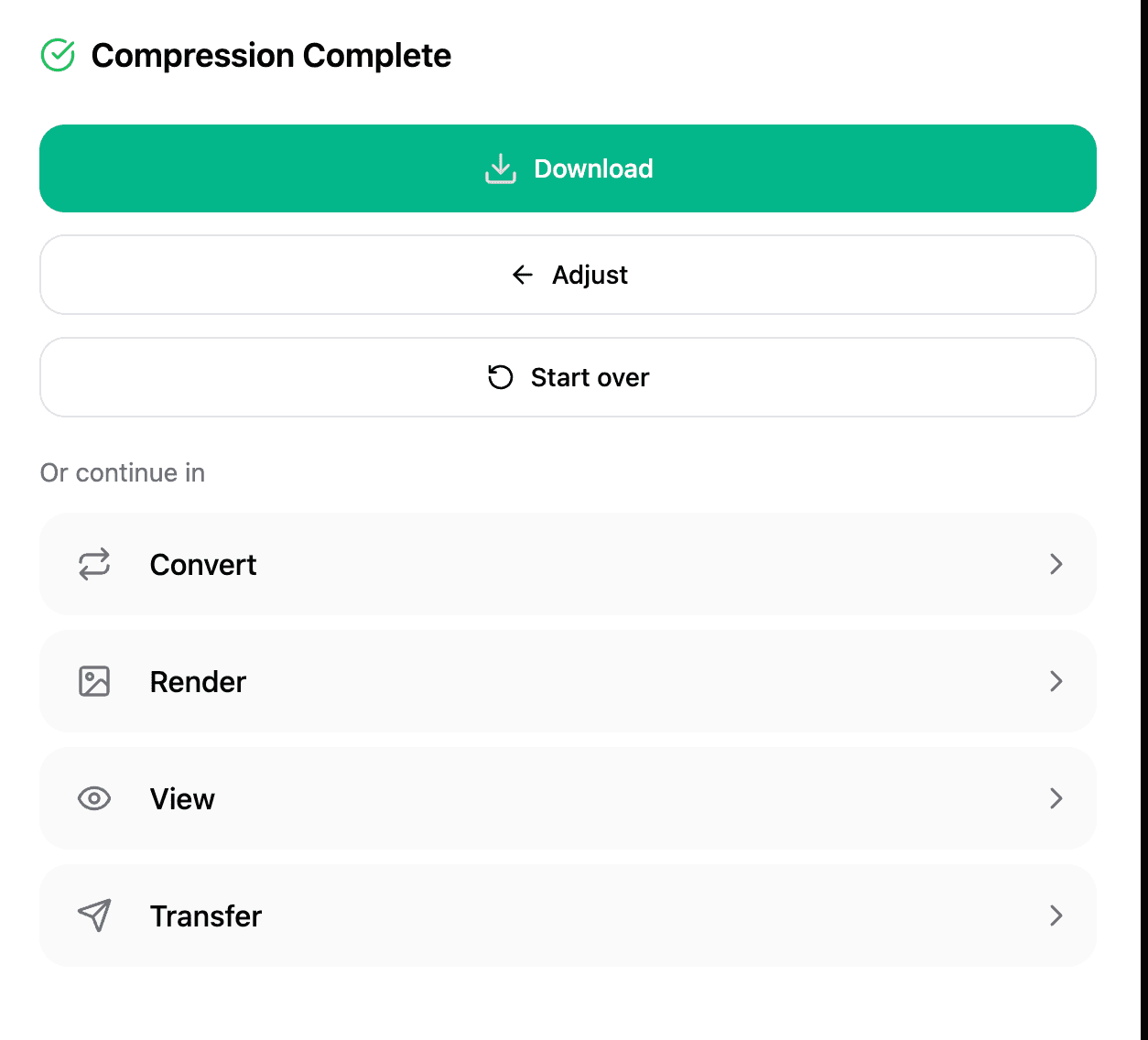
If something changed too much, click Adjust, use a lighter preset, and compress again.
Download or keep working
The result screen shows the original size, compressed size, and percentage saved.
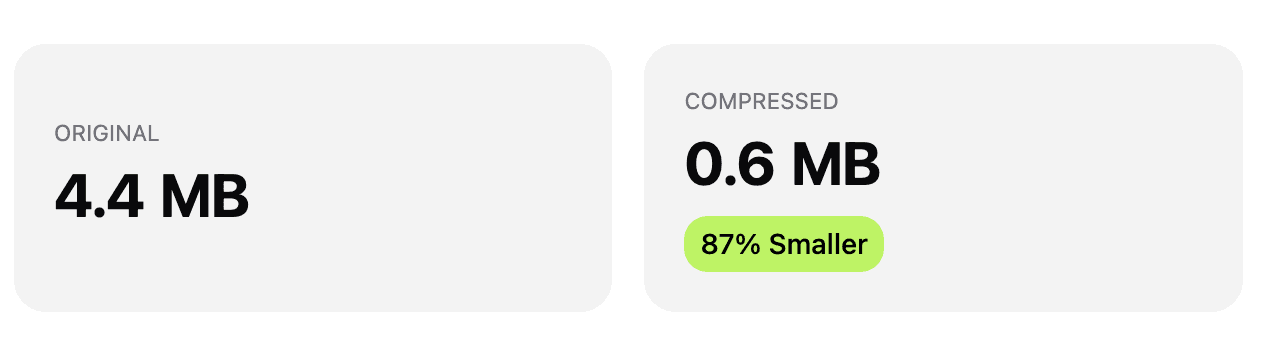
Download the compressed GLB when it looks right. You can also send the result to Convert, Render, View, or Transfer.
If compression fails
The file is not GLB
The compressor expects a .glb input. Convert the source model to GLB first, then compress that GLB.
The result is larger than the original
This can happen when the input was already optimized, or when lossless texture output stores more data than the original. Try WebP, lower texture resolution, or keep the original file.